 The Deficit
How to track food with your Apple Watch
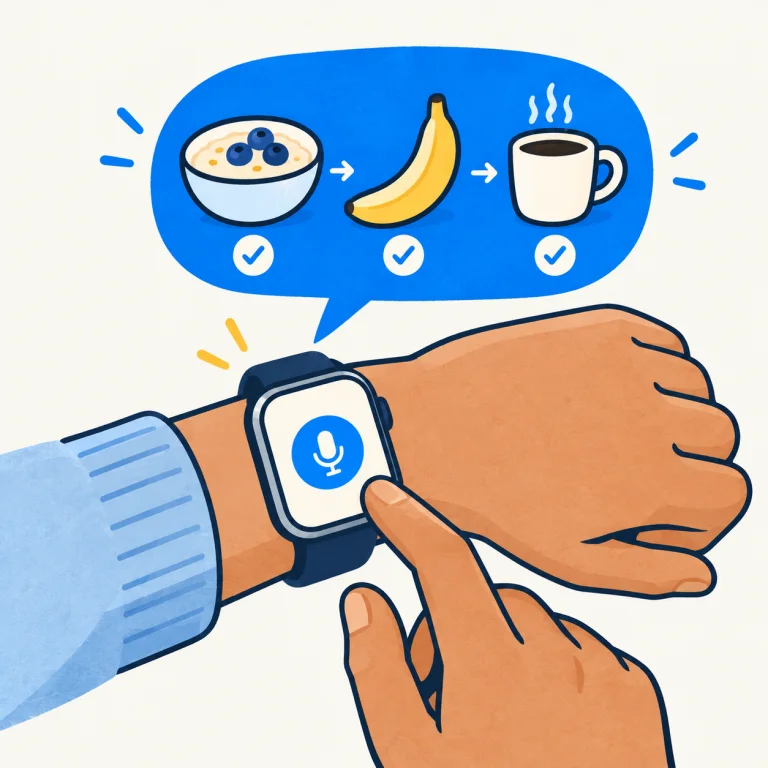
Food logging is easiest when you can do it while the meal is still in front of you. The Deficit lets you start from your Apple Watch instead of reaching for your phone and searching for every ingredient separately.
1. Sign in and get ready
Open The Deficit on your supported Apple Watch, sign in with the same Apple account you use in the app on iPhone or iPad, and complete the AI consent flow. Voice tracking needs microphone permission, an internet connection and available AI credits.
2. Say the whole meal
For example: “A cup of whole milk, a Chobani Non-Fat Plain Greek Yogurt, the 5.3-ounce cup, and a medium banana.” That gives the agent three foods, a specific packaged product and useful portion information.
Be as specific as you can without making it a chore. A brand and flavor help distinguish products. Grams or ounces help when you know them. When an amount is missing, the agent can use a typical portion and you can correct it afterwards.
3. Send, then check
Send the recording and look at the meal log. Check the foods, quantities and totals. If something is wrong, follow up with a correction. An estimate is a starting point, not a measurement.
Dictation or a live conversation?
Choose dictation for a quick meal entry. A live conversation is useful when you want a back-and-forth discussion, but it generally consumes more credits. Either way, you can continue with your food log on another signed-in device.
Does it work without my iPhone nearby?
The Watch app can sign in and contact our backend itself. It still needs a working internet connection, through available Wi-Fi or cellular connectivity. Offline and poor-network situations can delay processing and sync.
Next: log a portion from a nutrition label, or learn how the calorie overview works.
Make your next entry easier.
Download on the App Store