 The Deficit
Apple Watch Calorie Tracking: Effortless Food Logging by Voice
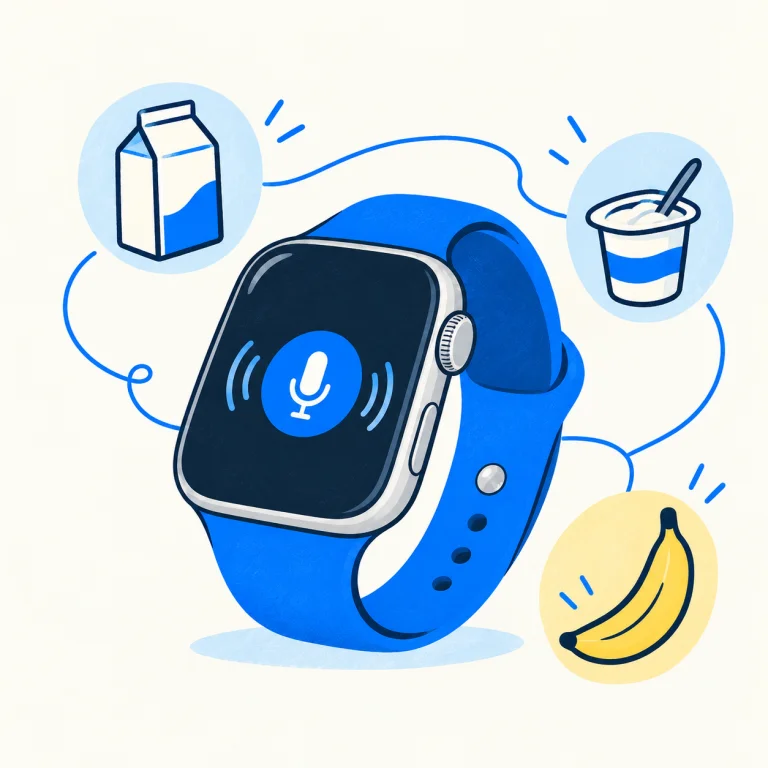
The Deficit is an Apple Watch calorie-tracking app that lets you log food by voice, review your food diary on your wrist, and compare recorded intake with energy expenditure from Apple Health. Say several foods in one request, send the recording, then check the saved entries. AI features require an internet connection and available credits.
Apple Watch calorie tracking: food in, energy out
“Calorie tracking” can mean two different things: recording the calories you eat or monitoring the energy you burn. The Deficit brings both sides together. Voice entry records food and macros; the overview uses available Apple Health data to show intake, resting energy, active energy and calorie balance over time.
A calorie deficit is the difference between recorded intake and expenditure. The app also shows an estimated weight change from that balance. It is not a scale measurement or a guarantee of weight loss.
How to log food on Apple Watch with your voice
- Open The Deficit and sign in. Use the same Apple account as on your other devices to access the same food log.
- Tap the microphone and describe your meal. For example: “A cup of whole milk, a Chobani plain Greek yogurt, the 5.3-ounce cup, and a banana.”
- Send the recording. The agent uses your saved foods or looks up information when needed, then adds the entries.
- Review the result. Check the foods and portions in the Watch diary. Follow up with a correction if the estimate does not match what you ate.
You can give grams, ounces or a familiar portion when you know them. If you do not know the amount, the agent can estimate. Clear brands, flavors and portion details help; estimates still need your judgment.
What makes an effortless Apple Watch food tracker?
The best calorie tracker for you is one you can use consistently. If searching for every ingredient feels like a chore, voice entry can reduce the steps between eating and recording a meal. Look for:
- Several foods per request: describe the meal without opening a separate search for every ingredient.
- A visible result: see what was actually saved, rather than relying only on a spoken confirmation.
- Corrections: change a portion or food after checking the entry.
- A diary on the Watch: review what you logged without immediately reaching for your phone.
- A useful overview: understand how intake and activity contribute to your recorded balance.
The Deficit is designed around this workflow. This guide describes our own app; it is not an independent ranking of competing calorie counters.
Do you need your iPhone nearby?
The Deficit Watch app has its own sign-in and can connect directly to the backend. AI processing and syncing require a working internet connection. Your saved food log is available on iPhone and iPad when signed in to the same account. Supported devices and operating-system requirements are listed on the App Store page.
Dictation or a live conversation?
For an everyday food entry, dictate a short request and send it. Read a reply in chat when the agent needs clarification. A live conversation is also available, but it uses credits while the conversation runs. Both are AI features; they are not unlimited free services.
Can I track protein, carbs and fat?
Food entries include calories and macros: protein, carbohydrates and fat. Nutrition information depends on the product, portion and source. A remembered food can save repeated searching; an unknown restaurant portion may need an estimate.
Can Apple Watch photograph a nutrition label?
The photo workflow is on iPhone or iPad. Photograph a label or meal there, then review the synced food log on your Watch. A clear label and known portion support a calculation; a plate photo supports an estimate. Read our nutrition-label guide for the distinction.
Can I keep using another calorie-tracking app?
Yes. If your other tracker writes nutrition to Apple Health, you can turn off The Deficit’s food tracking and use the calorie-balance overview. Health permissions, available data and synchronization affect what appears.
How much does it cost?
New accounts receive starting AI credits. Dictation, chat, photos, web searches and live conversations consume credits; additional packs are available through in-app purchase. No subscription is required. The overview and manual entries remain available without spending AI credits. Check current pack prices inside the app.
Ready to try one meal? Start with the step-by-step Watch walkthrough, or learn how to read your calorie deficit.
Make your next entry easier.
Download on the App Store